

EVERYDAY FINANCE · iPhone
Together: Couples Finance
Make room for the life you’re planning.
A clear place to plan your household finances together. Add accounts manually, organize a pay-cycle budget, preview recurring expenses, and track shared savings goals on one iPhone.
@togethercouplesfinance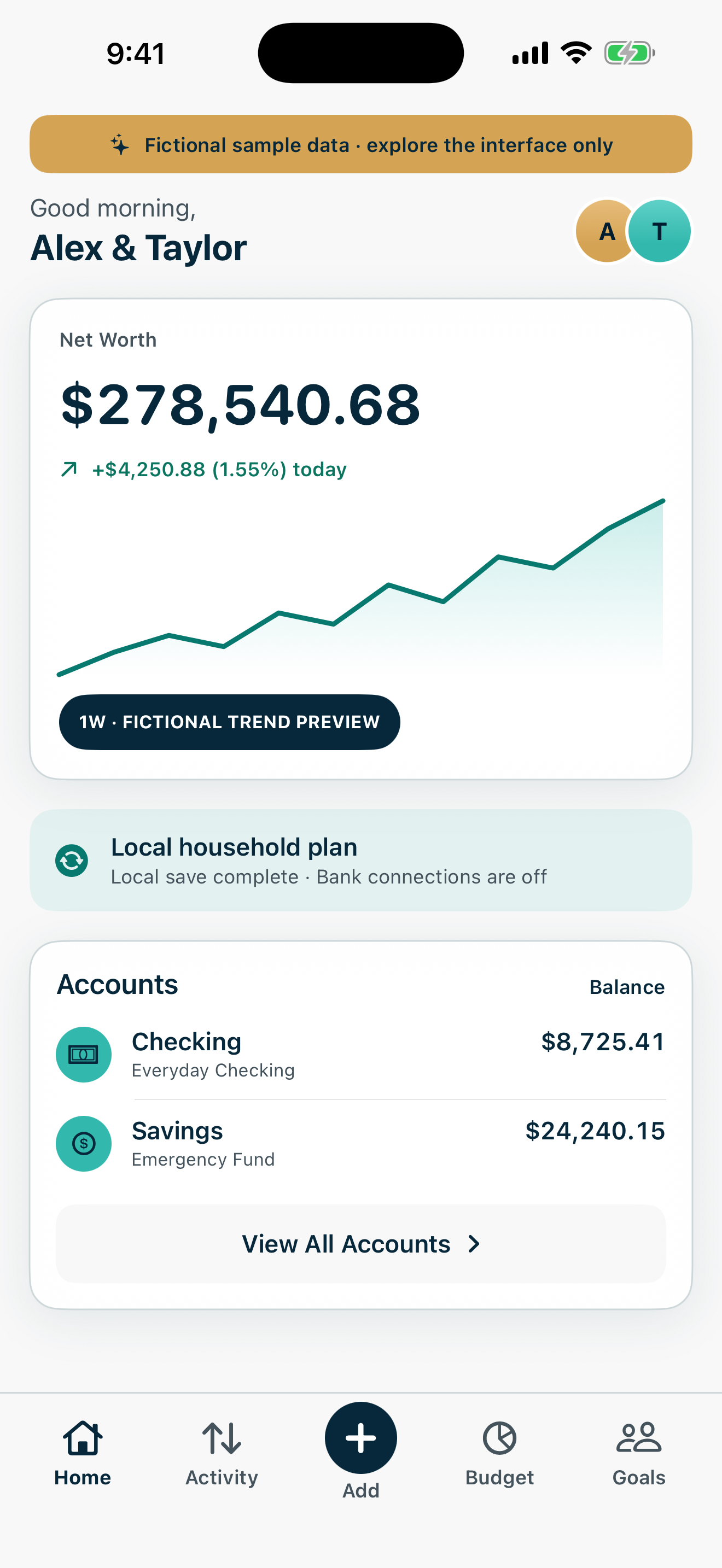
THOUGHTFULLY INCLUDED
A little more useful,
in all the right places.
A shared money plan you build together on one iPhone, with manual entries and a clear view of what comes next.
Your household, in one view.
Add accounts manually and see a net-worth summary based on the balances you enter. Keep the everyday picture in reach without connecting a bank.
Give each pay cycle a plan.
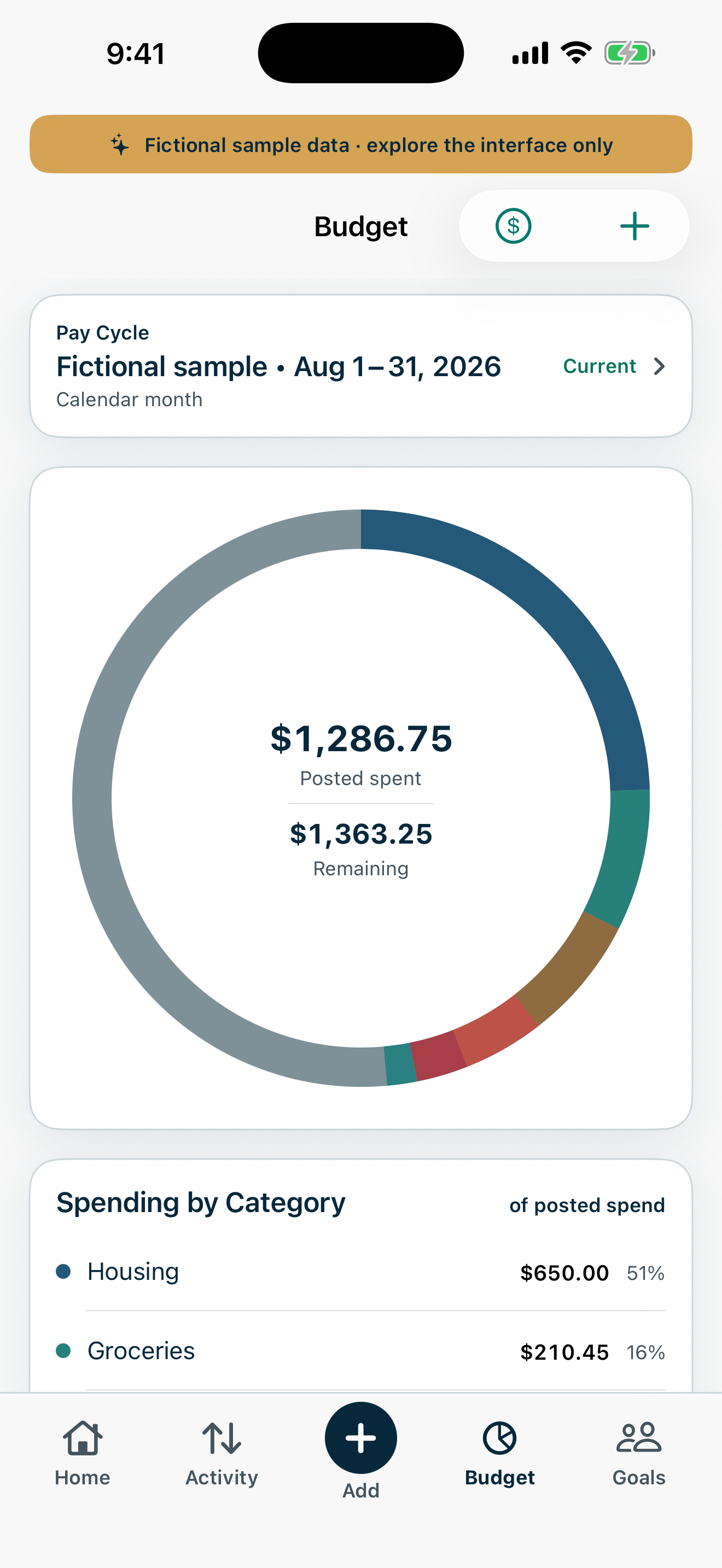
Organize planned funds and spending categories around your household’s pay cycle. Review budgets alongside the income and expenses you record.
Keep the details connected.
Record income and expenses, search your activity, and enter receipt details manually. Your records stay available for the next money conversation.
Make progress feel visible.
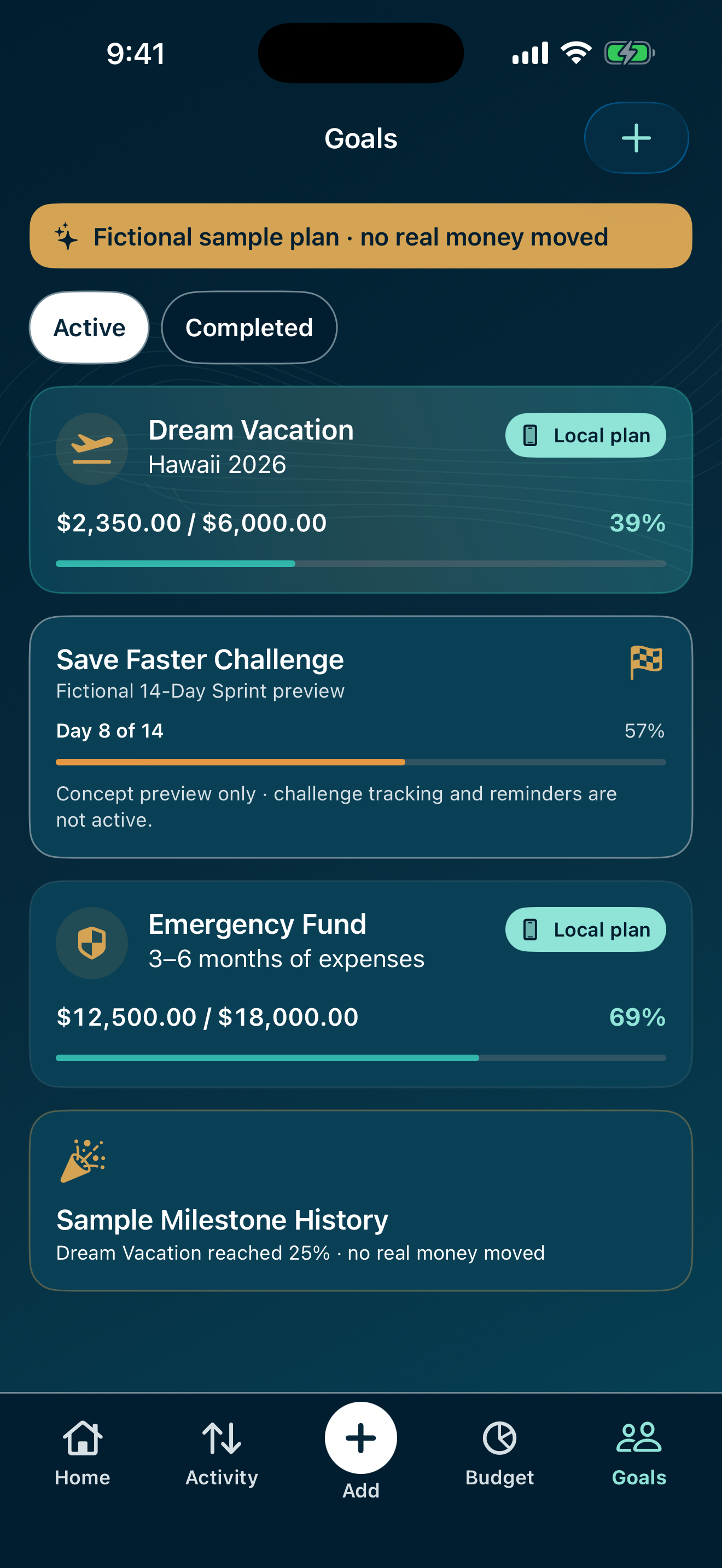
Create shared savings goals, record contributions or withdrawals, and celebrate milestones. Corrections preserve the original entry in the local goal history.
See recurring plans ahead.
Preview weekly, biweekly, monthly, quarterly, and yearly bills, subscriptions, or income on a calendar. These are planning records, not automatic payments.
Keep control of your plan.
Store your plan on one iPhone, use Face ID or the device passcode when available, and prepare a portable JSON export. Restoring an export replaces the local plan.
Start with the free plan. An optional one-time Together Lifetime purchase expands the local planning limits; there is no subscription.
Manual entry on one iPhone. No bank connection or cross-device household sync. A financial organization tool, not financial advice.
A CLOSER LOOK
See it for yourself.
Latest supplied version · Fictional household sample data Features and appearance may vary by the version available in the App Store.
Does it connect to my bank or sync between partners?
Together uses manual entry and stores the household plan on the iPhone. It does not connect to your bank or synchronize a household plan between devices.
How do I restore Together Lifetime?
Open Our Household, then Settings, then Restore Purchases. Use the Apple Account that made the original purchase.
How do I keep a copy of my plan?
Prepare a Together JSON export and save it securely outside the app. Restoring an export replaces the complete local plan instead of merging records. Deleting the app can remove local app data.
Together: Couples Finance
Plan money side by side
 @togethercouplesfinance Read the app privacy policy