

MILITARY TRANSITION · iPhone
Endgame: Military Retirement
A clearer path to what comes next.
Bring your military transition roadmap, retirement planning tools, and source-linked resources into one focused app. Track milestones, explore supported retirement scenarios, and prepare for what comes next.
Explore this product preview. Public App Store availability has not yet been confirmed here.
THOUGHTFULLY INCLUDED
A little more useful,
in all the right places.
Explore the latest submitted version: a personal transition roadmap, bounded planning tools, and resources for life after service.
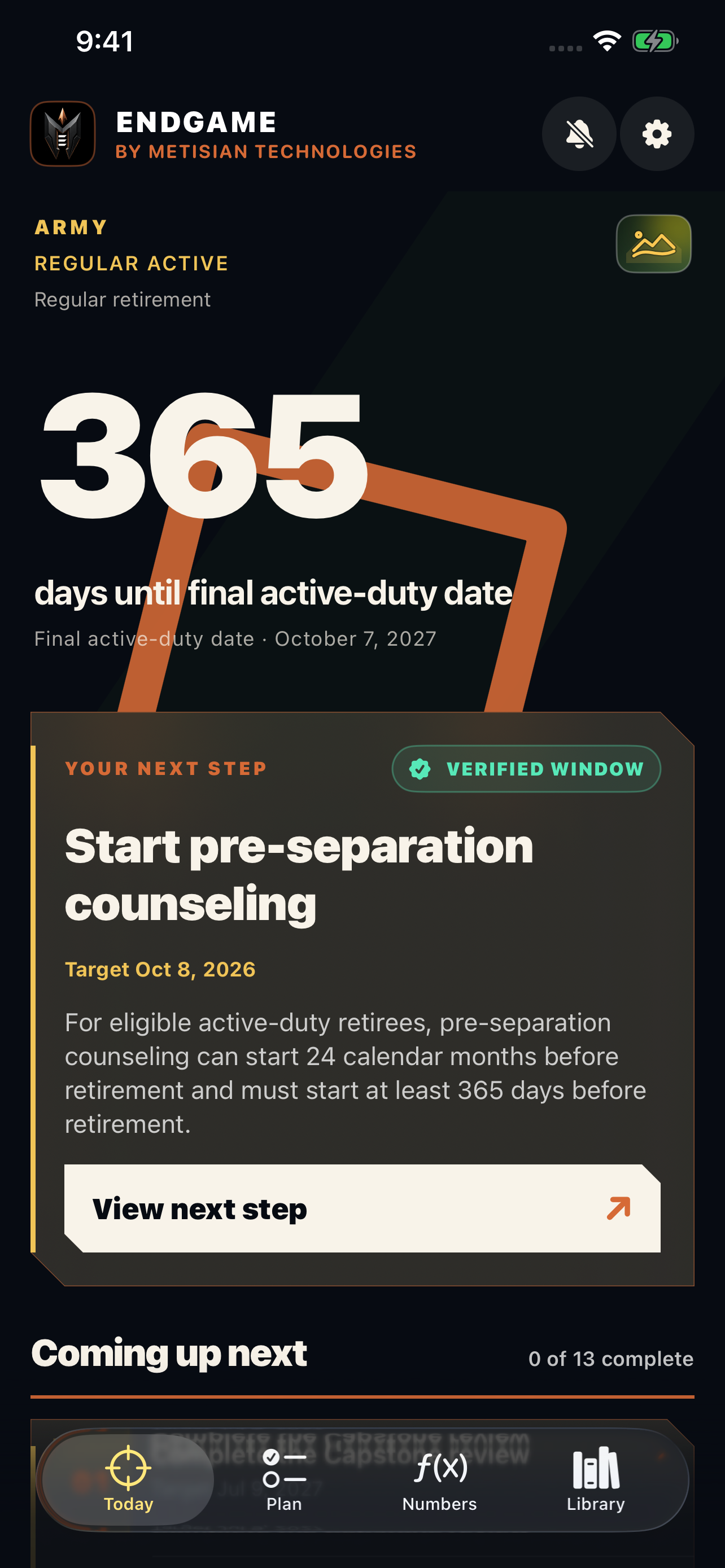
A roadmap for your next chapter.
Start with your service, component, transition path, and dates. Track relevant milestones, records and account-access tasks, with early reminders to help you prepare.
Understand supported retirement scenarios.
Explore supported High-3, BRS, Reserve points, VA, spouse SBP, and TSP scenarios. Source details, assumptions, and limits travel with the numbers.
Bring the monthly picture together.
Combine supported calculator results in a take-home scenario. Review applicable income, deductions, SBP, Medicare, and bounded 2026 federal or supported state pension-tax estimates.
Plan beyond the pension.
Explore education and home-loan planning resources, VA benefits, and Yellow Ribbon school guidance. Follow official sources to confirm eligibility and next steps.
Keep opportunities moving.
Explore SkillBridge, careers, and hiring resources. Keep a personal shortlist with links, locations, application statuses, and your own deadline reminders.
Make space for an entrepreneurial path.
Find Boots to Business and entrepreneurship resources alongside startup planning tools. Turn a business idea into specific research and planning steps.
Public release details are being confirmed. Supported scenarios and tool limits are explained in the app.
Independent planning resource. Not affiliated with or endorsed by the U.S. government, VA, DFAS, or a military service. Estimates are limited to supported scenarios and are not official benefit determinations.
A CLOSER LOOK
See it for yourself.
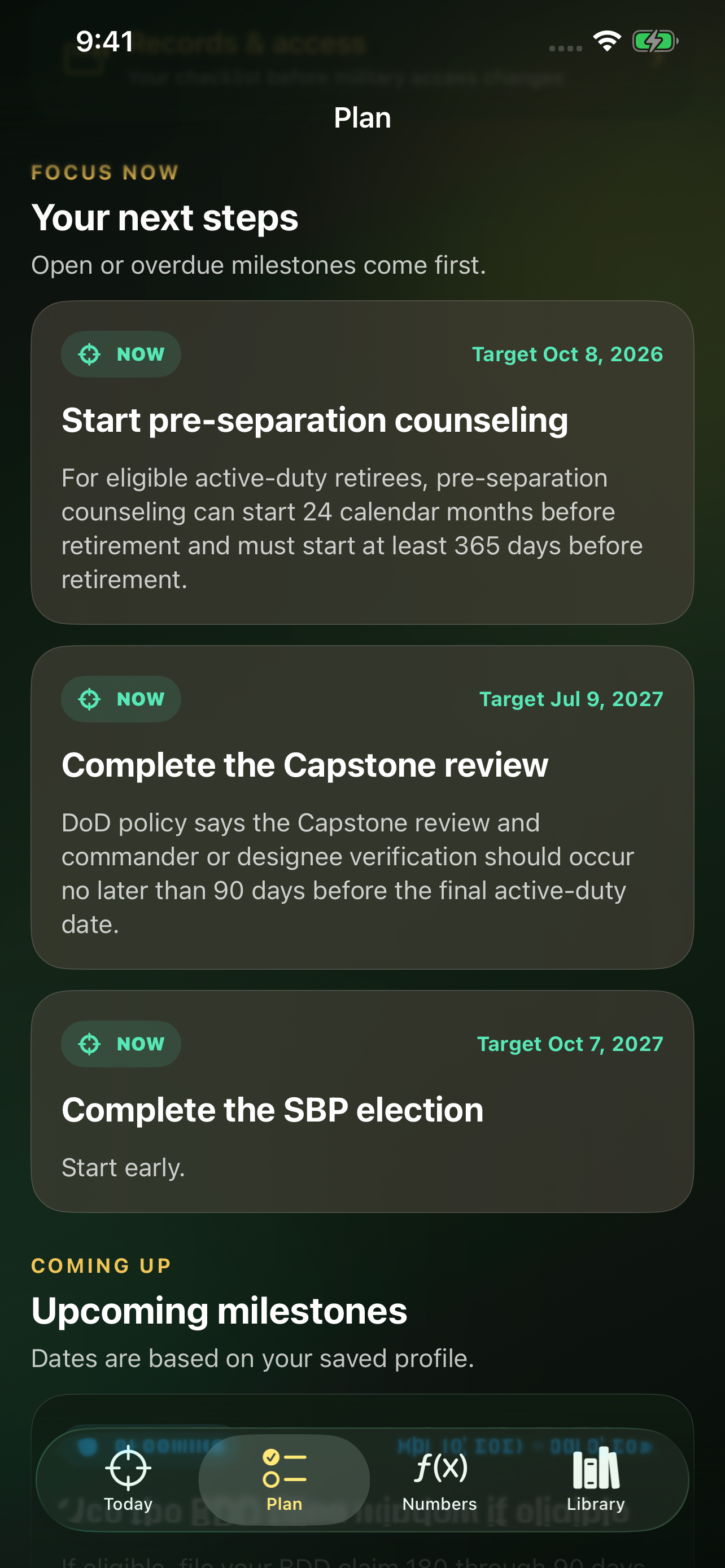
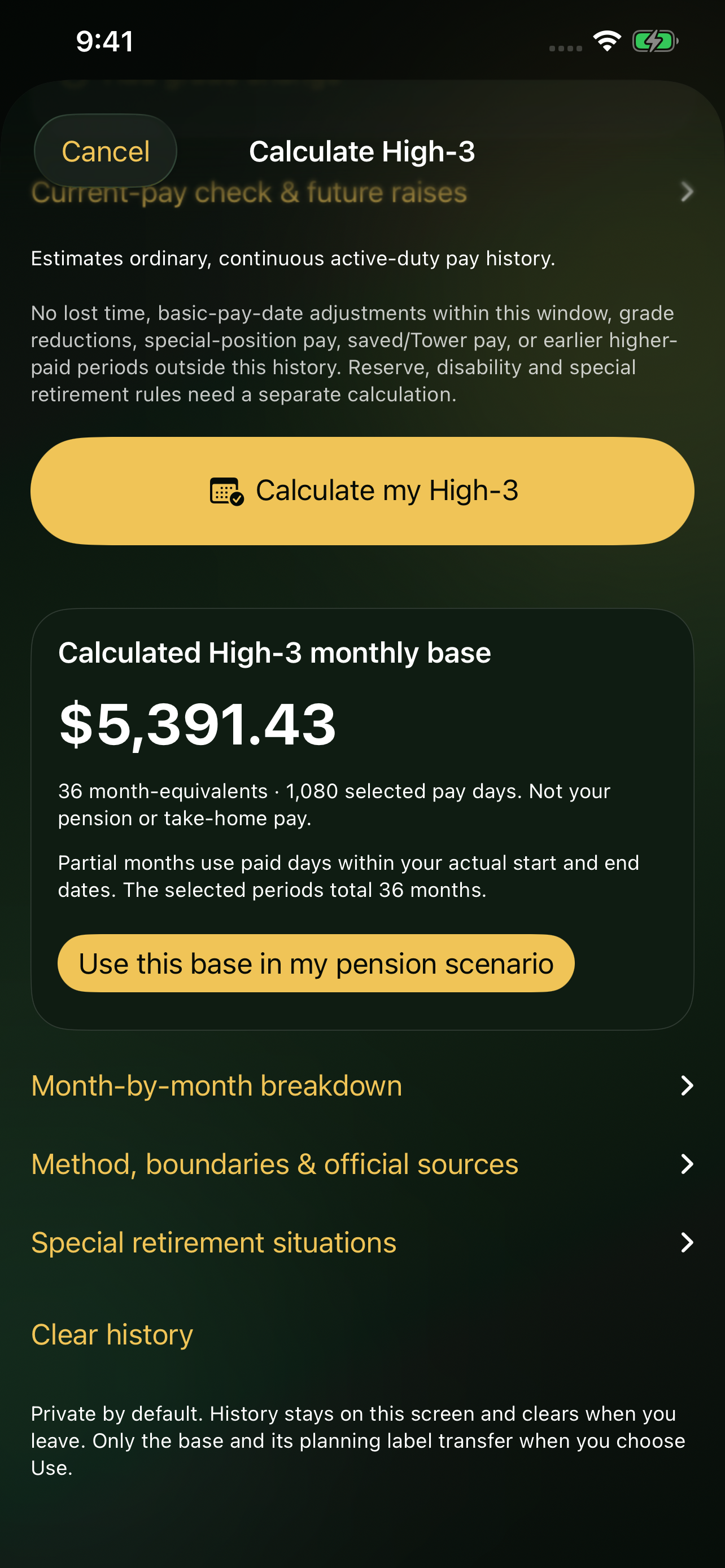
Latest submitted version · Planning examples, not official determinations Features and appearance may vary by the version available in the App Store.
Are calculator results official benefit determinations?
No. Results are educational estimates for supported scenarios. Each calculator explains its scope and source details. Confirm decisions with the responsible service office, pay center, VA, or qualified professional.
How do I change my roadmap?
Open Settings, then Edit roadmap profile. Review your service, component, transition path, and dates. Your selections determine supported milestones.
Why did a reminder not appear?
Check Manage early warnings and your iPhone notification settings, Focus, and Scheduled Summary. Reopen Endgame after changing transition dates. iOS controls final delivery; keep critical deadlines in a separate calendar.
Endgame: Military Retirement
Plan your next chapter